 ViceFx TeamJan 2, 20253 min read209 views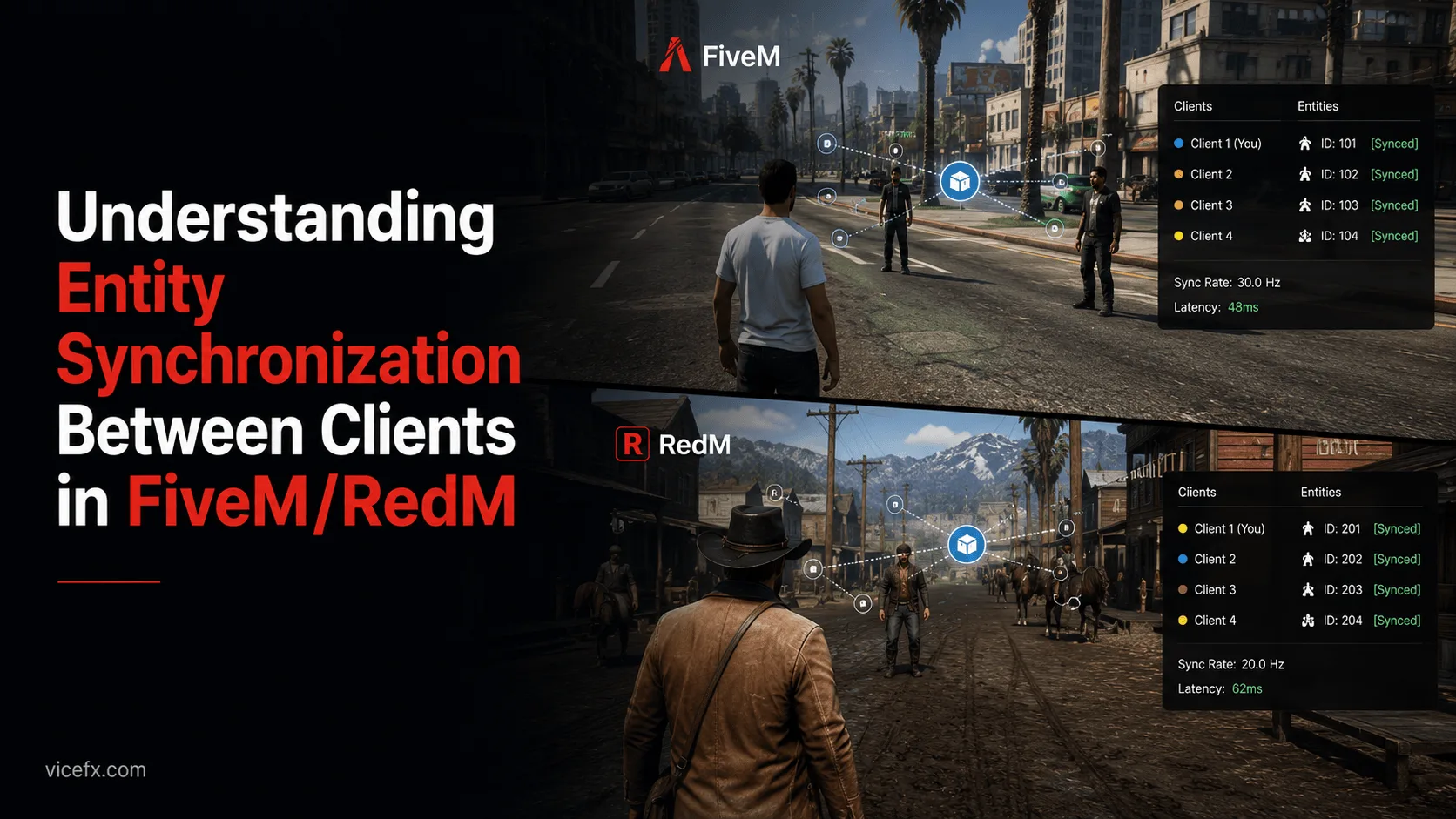
One of the most common challenges in multiplayer game development is ensuring proper entity synchronization between different clients. In FiveM and RedM, entity IDs are client-specific, which means they can't be directly shared between clients. This guide will show you how to properly handle entity synchronization using network IDs.
When working with entities (peds, vehicles, or objects) in FiveM/RedM, you'll notice that:
Network IDs provide a solution to this synchronization challenge. Unlike entity IDs, network IDs remain consistent across all clients, making them perfect for entity synchronization.
Here are the essential functions for converting between entity IDs and network IDs:
-- Converting to Network IDs
PedToNet(entityId)     -- For Peds
VehToNet(entityId)     -- For Vehicles
ObjToNet(entityId)     -- For Objects

-- Converting back to Entity IDs
NetToPed(networkId)    -- For Peds
NetToVeh(networkId)    -- For Vehicles
NetToObj(networkId)    -- For Objects

-- Getting Network ID from Entity
NetworkGetNetworkIdFromEntity(entityId)Before synchronizing an entity, you need to ensure it's properly registered for networking:
-- Client-side code
if DoesEntityExist(entity) then
    -- Register the entity for networking
    NetworkRegisterEntityAsNetworked(entity)

    -- Verify network ID exists
    local netId = NetworkGetNetworkIdFromEntity(entity)
    if NetworkDoesNetworkIdExist(netId) then
        -- Entity is ready for synchronization
        TriggerServerEvent('yourEventName', netId)
    end
endThe server receives and processes the network ID:
-- Server-side code
RegisterNetEvent('yourEventName')
AddEventHandler('yourEventName', function(netId)
    -- Validate the network ID
    if netId and netId ~= 0 then
        -- Process the entity
        -- You can broadcast this network ID to other clients
        TriggerClientEvent('entitySync', -1, netId)
    end
end)Other clients can then convert the network ID back to their local entity ID:
-- Client-side code
RegisterNetEvent('entitySync')
AddEventHandler('entitySync', function(netId)
    -- Convert network ID to local entity ID
    local entityType = NetworkGetEntityFromNetworkId(netId)

    if DoesEntityExist(entityType) then
        -- Now you can work with the entity using the local entity ID
        local localEntityId = NetToPed(netId)  -- or NetToVeh/NetToObj
        -- Your entity handling code here
    end
end)Always Validate Entities
if DoesEntityExist(entity) then
    -- Your code here
end
Check Network Registration
if not NetworkGetEntityIsNetworked(entity) then
    NetworkRegisterEntityAsNetworked(entity)
end
Verify Network IDs
local netId = NetworkGetNetworkIdFromEntity(entity)
if NetworkDoesNetworkIdExist(netId) then
    -- Your code here
end
If NetToPed/NetToVeh/NetToObj returns 0, it means the entity doesn't exist on the client. Ensure the entity is:
If entities aren't syncing properly:
Using the wrong conversion function (e.g., NetToPed for a vehicle) will return 0. Always:
Here's a complete example of a basic entity synchronization system:
-- Client-side: Sending entity data
function SyncEntity(entity)
    if DoesEntityExist(entity) then
        -- Ensure entity is networked
        if not NetworkGetEntityIsNetworked(entity) then
            NetworkRegisterEntityAsNetworked(entity)
        end

        -- Get and validate network ID
        local netId = NetworkGetNetworkIdFromEntity(entity)
        if NetworkDoesNetworkIdExist(netId) then
            -- Send to server
            TriggerServerEvent('syncEntity', netId, GetEntityModel(entity))
            return true
        end
    end
    return false
end

-- Server-side: Broadcasting to clients
RegisterNetEvent('syncEntity')
AddEventHandler('syncEntity', function(netId, model)
    if netId and model then
        -- Broadcast to all clients except sender
        TriggerClientEvent('receiveEntity', -1, netId, model, source)
    end
end)

-- Client-side: Receiving synced entity
RegisterNetEvent('receiveEntity')
AddEventHandler('receiveEntity', function(netId, model, sourcePlayer)
    if NetworkDoesNetworkIdExist(netId) then
        local entity = NetToPed(netId)  -- or NetToVeh/NetToObj based on model
        if DoesEntityExist(entity) then
            -- Entity successfully synchronized
            -- Your handling code here
        end
    end
end)Understanding entity synchronization is crucial for developing multiplayer features in FiveM/RedM. By using network IDs and following these best practices, you can ensure reliable entity synchronization across all clients in your server.
Remember to:
This knowledge is fundamental for creating complex multiplayer interactions and ensuring a smooth multiplayer experience in your server.
