 ViceFx TeamJul 12, 20265 min read73 views
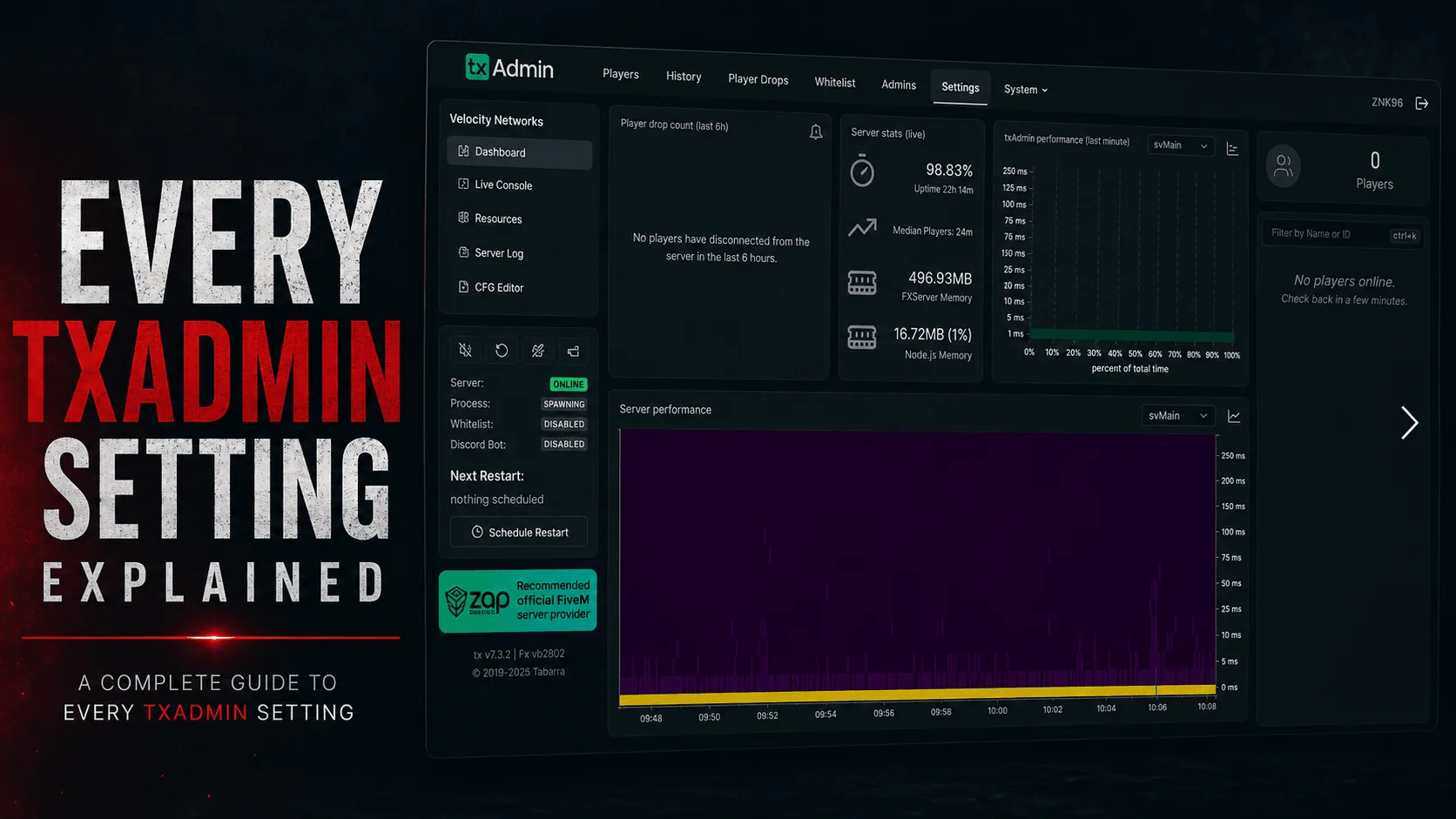 Running a FiveM or RedM server is much easier thanks to txAdmin. It provides a powerful web interface for managing your server, monitoring players, restarting resources, editing your configuration, and much more—all without needing to work directly in the console.
This guide explains the most important txAdmin pages and settings so you understand what each one does and when you should use it.
Note The exact interface may vary slightly depending on your txAdmin version, but the core features remain the same.
txAdmin is the official server management panel included with FXServer. It allows you to manage your server through a web browser instead of manually editing files or using command-line tools.
With txAdmin you can:
The Dashboard is the first page you'll see after logging in.
It gives you a quick overview of your server, including:
This page is useful for checking your server's health at a glance.
The Console displays everything happening on your server in real time.
You can:
If something isn't working correctly, the Console should always be your first place to check.
The Players page shows everyone currently connected to your server.
From here you can:
Always verify a player's identifiers before banning them to avoid mistakes.
Resources are the scripts running on your server.
This page lets you:
If you update a script, you can simply restart that resource instead of restarting the entire server.
The CFG Editor allows you to edit your server.cfg directly from txAdmin.
Common settings include:
Always make a backup before making major configuration changes.
The Monitor page helps you understand how your server is performing.
It displays information such as:
If your server feels laggy, this page helps identify possible performance issues.
The Scheduler automates server tasks.
Common examples include:
Most public servers restart every 6–12 hours to keep performance stable.
Before an automatic restart, txAdmin can notify players.
Typical warning schedule:
Giving players advance notice prevents frustration and allows them to finish what they're doing.
txAdmin supports multiple administrators with different permission levels.
You can create admins for:
Only grant permissions that users actually need.
Permissions determine what each administrator can access.
Examples include:
Following the principle of least privilege improves server security.
The Ban Manager keeps track of banned players.
You can:
Always include a clear reason when banning a player.
Regular backups protect your server from data loss.
Back up important files such as:
Creating backups before major updates is highly recommended.
txAdmin stores detailed logs for server activity.
Logs help you investigate:
Review logs regularly to catch issues early.
txAdmin requires administrator authentication before allowing access.
For security:
Recipes make it easy to install complete server setups.
A recipe can automatically install:
They're especially useful when setting up a new server.
txAdmin includes an API that allows external applications to communicate with your server.
Developers can use it to:
Unless you're developing custom tools, you usually won't need to modify API settings.
To keep your server running smoothly:
A clean server is usually a faster server.
Protect your server by following these recommendations:
Security should always be part of your routine maintenance.
Technically no, but almost every modern FiveM and RedM server uses it because it simplifies server management.
Yes.
Use the Resources page to restart individual scripts without restarting the whole server.
Most community servers schedule automatic restarts every 6 to 12 hours, depending on the number of resources and player activity.
Yes.
txAdmin is included with every FXServer installation.
txAdmin is one of the most important tools for managing a FiveM or RedM server. Whether you're hosting a small private server or a large public community, learning its features will save time and make server administration much easier.
Start by becoming familiar with the Dashboard, Console, Players, Resources, and Scheduler. As your server grows, features like permissions, backups, monitoring, and logging become essential for keeping everything running smoothly.
A well-configured txAdmin setup means less downtime, better organization, and a better experience for both administrators and players.
